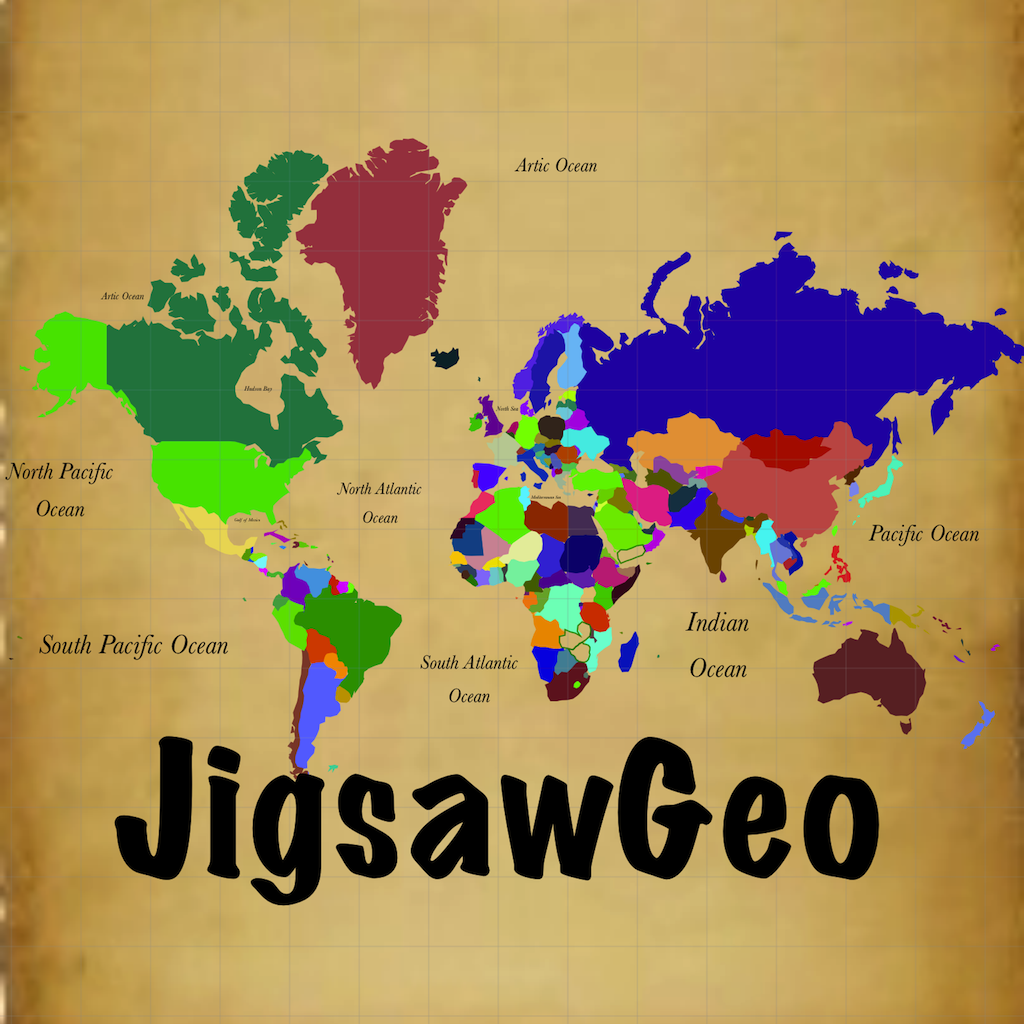
 Version 2
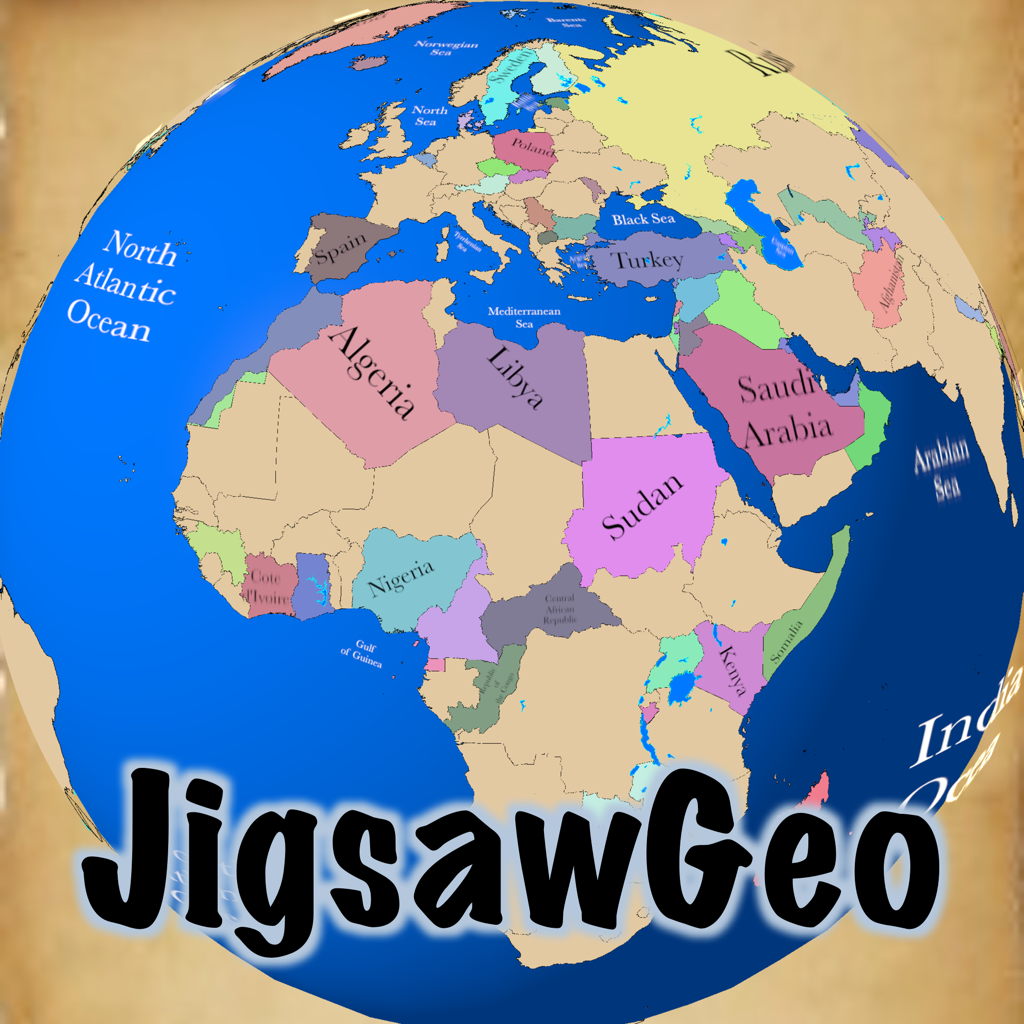 Version 3
Collect the world on a real, spinnable 3-D globe.
JigsawGeo plays on a real globe, so countries sit at their true size, true shape, and true distance apart. No more flat Mercator map stretching Greenland to the size of Africa. Spin the globe, zoom in, and put the world back together.
Version 3.2 adds a passport to fill with stamps from every place you find, a Terrain globe with shaded relief, and 16 missions that are all unlocked from the start, including new ways to play where you pick the answer from four choices.
Drag a puzzle piece to where you think it belongs, or just double-tap the spot. Beat the clock, earn a high score, and learn world geography without it ever feeling like studying.


NO ADS. NO ACCOUNTS. NO TRACKING.
Free to download with two complete maps included. Every other map is a one-time in-app purchase: never a subscription, never an advertisement. Safe to hand to a kid.
Spin, Zoom, Explore
- Drag one finger to rotate the globe; flick it to send it spinning
- Pinch to zoom, from the whole planet down to a single island
- Maps open with a spaceship fly-in: soar in from the far side of the world, skim low over the land, then pull back to see the whole map
- Choose a Terrain globe with shaded relief, or a Political globe, in Options
- Built on a full geographic database, so the tiny islands, peninsulas and inlets that other map games quietly leave out are all here
- Oceans, seas, lakes and place names fill in around your puzzle as you play
- Optional latitude and longitude grid
- Portrait or landscape, iPhone or iPad, light mode or dark
- Your JigsawGeo passport: earn a stamp for every place you find, win visas as your map pages fill up, and tap a stamp to read a fun fact about the place
- Build your own passport avatar, collect themed pages like Islands and Great Lakes, and keep a travel journal of every game you play
- Print your passport as a little booklet to cut out, staple and color in. Printing uses AirPrint on US Letter paper, and fun facts stay in the app
Missions for Every Explorer
There are 16 missions, and every one is open from the start. Choose what you are asked to find (shapes, capitals or flags, or pick the name, flag or capital from four choices) and how much help you get (guided, sonar or latitude and longitude). Six of them are ranks you earn on every map, and collecting all six posts your Grand Total. Ten more badges wait on the other missions.
- Traveler — a gentle start: the globe glides toward the right spot for you, and the smallest regions sit this one out
- Surveyor — place regions by name, with a sonar ping to guide you
- Explorer — place regions by name, no hints
- Navigator — place regions by the name of their capital city
- Discoverer — place regions by their flag alone
- Cartographer — pinpoint the capital city inside its own region
More Than 25 Maps
- Continents: Africa, Asia, Europe, North America, South America, Oceania, Middle East
- The World: 246 countries and territories on one globe
- Single countries in detail: United States (52 states, districts and territories), Japan (47 prefectures), India (36 states and union territories), Mexico (32 states), China (31 provinces), France, Germany, Spain, Italy, Netherlands, Canada, Australia
- Around the water: Pacific Ocean, Atlantic Ocean, Indian Ocean, Mediterranean Sea, Caribbean Sea
- Through history: the British Empire, the Former Soviet Union
- Value packs: bundle whole sets for less
Compete and Learn
- Game Center leaderboards for every map: see where you land against players worldwide
- Your best time tracked for every map and every mission
- Two narrator voices read each region and capital aloud as you play
- Plays in English, Spanish, French, German, Portuguese, Japanese, Korean and Chinese
- Works completely offline, no signal needed on the road
For Classrooms and Kitchen Tables
Teachers, homeschoolers and map lovers have used JigsawGeo for years to make continents, capitals and flags stick. The globe makes the lesson obvious: why Africa is far bigger than it looks, why Russia is not, and how close some countries really are to each other.
What's New in Version 3.2
Version 3.2: collect the world, and play it your way.
Your Passport
- Your JigsawGeo passport: earn a stamp for every place you find, jump to any map from the contents page, win visas as your map pages fill up, collect themed pages like Islands and Great Lakes, and keep a travel journal of every game you play
- Tap a stamp in your passport to read a fun fact about the place
- Build your own passport avatar: choose your skin tone, hair, eyebrows, eyes, nose, mouth and shirt, and watch it change as you go
- Print your passport as a little booklet to cut out, staple and color in, for any maps and collections you choose. Printing uses AirPrint on US Letter paper, and fun facts stay in the app
16 Missions, All Unlocked
- Every mission is unlocked from the start, so you can play any of them whenever you like
- The mission screen is now a table of 16 missions: choose what you are asked to find and how much help you get, and tap one to start it right away
- Three new ways to play: a place lights up on the globe and you pick its name, its flag, or its capital from four choices
- Flags and Find the Capital can now be played with any amount of help, not just the hardest ones
- Traveler, Surveyor, Explorer, Navigator, Discoverer and Cartographer are now ranks you earn. Collect all six on a map to post your Grand Total, and win ten more badges on other missions
A New Look for the Globe
- Choose a Terrain or Political globe style in Options
- Maps now open with a spaceship fly-in: soar in from the far side of the world, skim low over the land, then pull back to see the whole map
- With Reduce Motion turned on in your device settings, maps open without the flying globe, the loading compass spins more slowly, and the camera moves more gently to help you find things
Fixes
- Options, the mission screen, the Game Menu, Help and your passport all fit the screen better when your iPhone is turned sideways
- A map a grown-up approves with Ask to Buy, or one shared by your family, now unlocks by itself, without tapping Restore Purchases
Thank you for playing. If something looks wrong, or you have an idea, please tell us. We read every message.
Bought maps on another device? Tap Restore Purchases on the Options screen.
Questions, or a map you would love to see? Tell us. We read every message.